Quote Approval Without Calling the Customer
You wrote the quote before lunch. The car is sitting in the bay. The parts are ready to order. And the only thing between you and a moving job is a customer who has not picked up their phone in four hours.
That bay sits idle and nobody's even on hold. It is just silence, and silence in a workshop costs real money.
Getting quote approval without calling the customer is not a luxury. It is the difference between a workshop that moves and one that stalls waiting on people who are busy, distracted, or just not great at answering their phone.
Here is every real option, where each one works, and where each one falls apart.
Why phone calls fail as an approval method
The phone call made sense when it was the only option. It does not make sense now.
Most Australians screen numbers they do not recognise. They are in a meeting, on a job site, or just not in a headspace to talk through a quote. They mean to call back. A lot of them do not.
Meanwhile, your bay is not moving. You have ordered nothing. You are three follow-up calls deep on a job that should have been rolling an hour ago.
The process is the problem, not the customer. They are not being difficult. The tool you are using to reach them is just the wrong one for 2025.
What are the real options for quote approval without calling?
There are a few legitimate ways to do this. Each one has a real use case and a real failure point.
-
SMS with a PDF attachment
You write the quote, export it as a PDF, and text it to the customer with a message asking them to reply yes or no.
Where it works: Simple, familiar, no new tech needed.
Where it fails: PDFs on mobile are awkward to open. You get a text reply that lives in your messages app, not attached to the job file. When a dispute happens six months later, you are hunting through your inbox for a "yeah go ahead" message. That is not a clean paper trail. -
Email with a reply-to-approve
Same idea, different channel. Works better for customers who are desk-based during the day.
Where it works: Good for fleet managers and business owners who live in email.
Where it fails: Most private customers do not check email between 9 and 5. You still end up waiting. And the reply still lives in a separate system from your job management. -
Third-party messaging apps
Some workshops use WhatsApp or Messenger to send quotes and chase approvals.
Where it works: Customers respond quickly to these platforms.
Where it fails: You are running your approvals through a personal app with no business records, no job linkage, and no way to audit it cleanly if something goes sideways. It also blurs your work and personal life in one place. -
Digital quote link via SMS
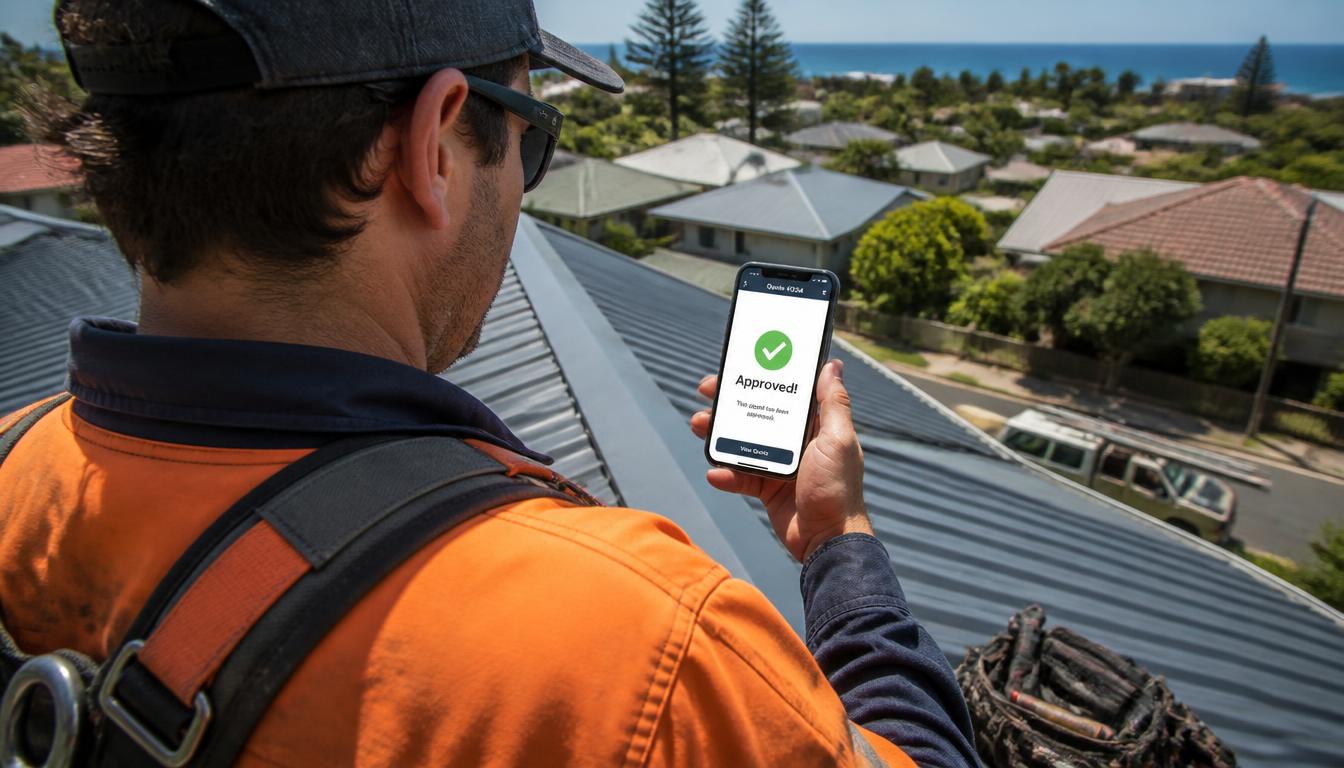
This is the option that actually solves the problem. The customer gets a text with a link. They open it on their phone, see the itemised quote, and tap a button to approve. You get a timestamped notification tied to the job record. No callback required.
Where it works: Almost every time. SMS open rates in Australia are well above email. A link is easier than a PDF. A one-tap button has almost no friction.
Where it fails: Only if the platform does not make the quote genuinely readable on mobile, or if there is nothing on the quote that builds confidence. A bare list of line items and prices is not reassuring. A customer who cannot see why they are spending $480 will hesitate.
The old way vs the new way: a plain comparison
| Method | Approval speed | Paper trail | Works for most customers? |
|---|---|---|---|
| Phone call | Slow (if they answer) | None | Declining |
| SMS with PDF | Medium | Weak | Patchy |
| Email reply | Slow | Separate system | Business customers only |
| WhatsApp / Messenger | Fast | None (personal app) | Yes, but messy |
| Digital quote link (SMS) | Fast | Timestamped, job-linked | Yes |
Verdict: the digital quote link wins on every measure that matters for running a business. The others solve a piece of the problem but leave a gap somewhere.
Does SMS or email approval actually count legally?
Generally, yes. Under Australian Consumer Law, written consent through SMS or email creates a record of approval that is typically accepted as valid. It is usually a stronger position than a recalled phone conversation where both parties remember it differently.
The important thing is that the record stays attached to the job. A text in your personal messages app is hard to retrieve. A timestamped approval inside your job management system is not. Check with your industry association or a solicitor if you need certainty for your specific situation, but the general principle is sound.
Why customers approve faster when they can see the problem
Here is the genuine insight that most workshops miss.
Hesitation on a quote is rarely about the money alone. It is about not being able to see the problem. A customer staring at a line item that says "replace rear brake pads and rotors, $390" has no frame of reference. They are being asked to trust a number without any evidence.
Add a photo of the worn rotor sitting right next to that line item and the price, and the hesitation mostly disappears. They can see what is wrong. They can see why it costs what it costs. The approval comes faster because the question has already been answered before they had to ask it.
Most platforms store job photos somewhere else entirely, in a separate folder, a different app, or a cloud drive you have to navigate to. Meckly stores the diagnostic images directly on the quote itself. The photo of the problem lives right next to the line item and the price the customer sees. One source of truth, no second app, no hunting. When a customer taps through the quote link, the evidence is already there. That is what cuts hesitation and builds trust before a dispute ever starts.
The parts side of the equation
While you are waiting on approval, the worst thing you can do is stop moving. If you already know what parts you will need, get them lined up before the yes comes through.
SparesIN, the auto-parts marketplace, is built for exactly this moment. You post the part you need, and vetted local suppliers compete to fill it, integrated straight into a Meckly quote. Unlike most marketplaces it is not open to anyone with a spare part in their shed. Suppliers are verified shops, vouched for by real workshops, so it is properly business-to-business. It does not change how you pay or collect, that process stays intact, it just means cleaner records and faster sourcing. You are not ringing around while the bay sits empty.
What a clean approval process actually looks like in practice
The sequence is straightforward once the right tools are in place.
- Vehicle comes in, you diagnose, you take photos of the problem on the spot.
- You build the quote with photos attached to the relevant line items.
- You send it as an SMS link. The customer opens it in under a minute on their phone.
- They see the problem, the fix, and the price in one view. They tap approve.
- You get a timestamped notification. The approval is saved to the job record automatically.
- You order the parts. The car moves. The bay fills again.
No voicemail. No second call. No waiting until Friday hoping they ring back.
Frequently asked questions
Can a customer legally approve a quote by SMS or email in Australia?
Yes. Written approval by SMS or email is generally accepted as valid consent under Australian Consumer Law, and it creates a cleaner paper trail than a verbal phone call. Keep the record of that approval with the job file. Check with your industry association or a solicitor if you need specific legal clarity for your state.
What is the fastest way to get quote approval without calling the customer?
Send a digital quote with a one-tap approve button via SMS link. The customer opens it on their phone, sees the line items, and taps approve. You get a timestamped notification instantly, no voicemail, no follow-up call.
Why do customers ignore workshop phone calls but respond to messages?
Most Australians screen unknown or unfamiliar numbers and return texts or app notifications on their own schedule. A message lets the customer respond in a quiet moment rather than feel put on the spot during their workday. The approval rate for digital quote links is generally higher than for calls precisely because it removes that pressure.
Does digital quote approval hold up if there is a dispute later?
A timestamped digital approval with the itemised quote attached is stronger evidence than a recalled phone conversation. Workshop management platforms like Meckly store the approval against the job record, so if a customer disputes a charge, the evidence is right there. It is not a guarantee of any legal outcome, but it is a far better position to be in.
How do I get quote approvals faster without chasing customers all day?
The key is reducing friction on the customer's end. Send a short SMS with a direct link to the quote. Include a photo of the actual problem next to the line item and price. Customers approve faster when they can see what they are paying for, on their own time, without needing to be talked through it.
Is there a free way to source parts while waiting for quote approval?
SparesIN, the auto-parts marketplace, lets you post the part you need and have vetted local suppliers compete to fill it, integrated straight into a Meckly quote. It is free to use and does not change how you pay or collect. Suppliers are verified businesses, not random sellers, so it is properly business-to-business.
You wrote the quote before lunch. The car is still in the bay. But this time, by the time you have made a coffee, the approval is already in. The parts are lined up. The job is moving.
That is what quote approval without calling the customer is supposed to feel like.